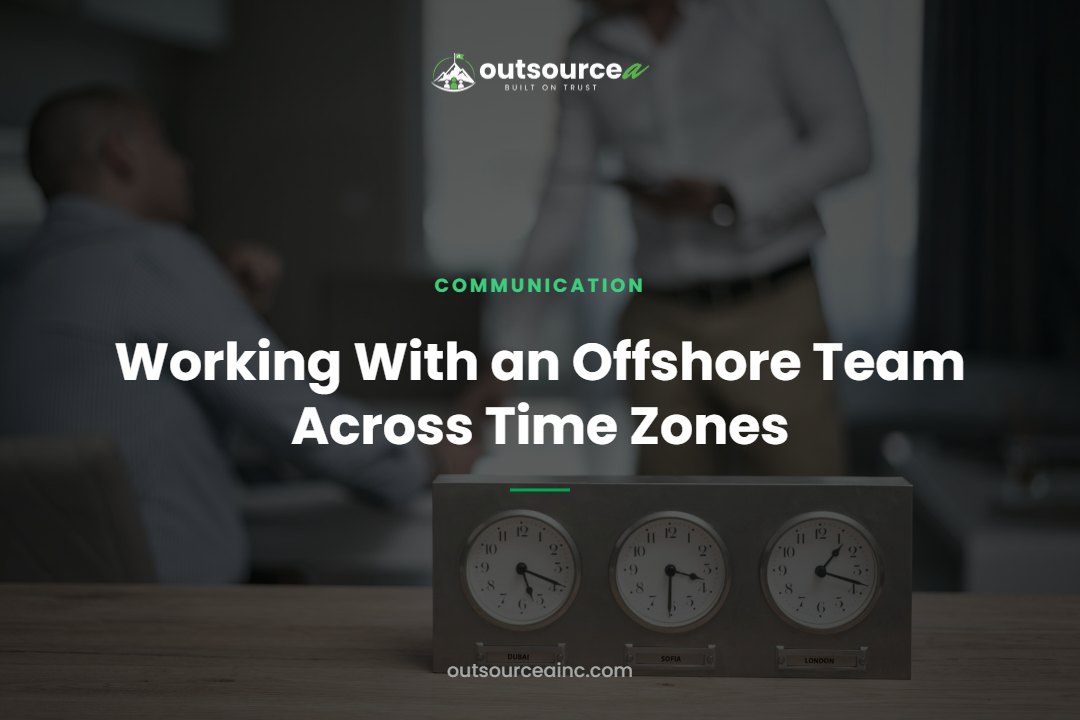
Working with a team across time zones gets easy once you stop treating the gap as a problem. Plan a short shared window, write good handoffs and agree on what counts as urgent.
The first week with an offshore team, many owners find themselves checking messages at odd hours, waiting for replies and wondering why simple things take a day. That’s not a talent issue. It’s a communication design issue, and it’s fixable.

Decide how much live overlap you need
Not every role needs the same hours. Customer-facing roles usually match your business hours. Back-office, research and reporting work can often run on a one or two-hour overlap, with the rest done while you’re offline.
| Work type | Typical overlap |
|---|---|
| Customer support and sales | Full overlap with your business hours |
| Executive or admin support | A few hours of overlap each day |
| Back office and reporting | A short daily window plus written handoffs |
Write handoffs that don’t need a reply
A good handoff answers the next person’s questions before they ask. It cuts the back-and-forth that turns a one-hour task into a two-day wait.
A good end-of-day handoff
- What got done
- What’s still open and why
- What needs a decision, and from whom
- Anything urgent for the next shift
A clear handoff turns the time difference into a head start.
Agree on what’s urgent
Write down what counts as urgent, how to flag it and who to contact. Without a rule, everything feels urgent, or nothing does. A simple list of examples helps: a customer threatening to cancel is urgent; a typo in a draft can wait.
Use the right channel for each message
- Chat for quick questions during overlap hours
- Email or task notes for anything that needs a record
- A shared task board for priorities and status
- Video calls for feedback, training and anything sensitive

Keep a steady rhythm
A daily check-in during the overlap window and a weekly review of results go a long way. Keep them short and consistent. Teams feel more connected when the routine is predictable.
Make it feel like one team
Introduce your offshore team to the people they work with. Share wins, customer feedback and company updates. People who feel included take more ownership, no matter how many hours apart they are.
Sample schedules that work
| Client location | Common offshore schedule | Live overlap |
|---|---|---|
| US Eastern | Philippine night shift | Full US business day |
| US Pacific | Philippine late night to morning | Full US business day |
| UK | Philippine afternoon to late evening | Most of the UK day |
| Australia (Sydney) | Philippine day shift | Almost the full day |
Not every role needs full overlap. Pick the schedule that matches how the work actually flows.
Tools that make time zones easier
- A shared task board so priorities are visible to everyone
- A team chat with clear channels for each topic
- Recorded screen walkthroughs for training
- A shared calendar showing both time zones
- A simple daily update template
Handling urgent issues across time zones
Urgent issues need a clear path. Write down what counts as urgent, how to flag it (for example, a specific chat channel or a phone call), who to contact on your side and what to do if nobody answers within a set time. Without this, urgent issues either wait too long or wake people up for things that could wait.
Time zones only cause trouble when nobody planned for them. A one-page plan solves most of it.
Building connection across distance
Distance can make offshore team members feel left out. Small things help: introducing them to the whole team, sharing customer wins, celebrating birthdays and milestones and inviting them to company meetings when possible. People who feel connected communicate more openly and stay longer.
Reviewing what’s working
Once a month, ask your offshore team what slows them down. Is it waiting for answers? Unclear priorities? Missing access? Small fixes based on their feedback can make collaboration much smoother.
Working with an offshore team for the first time? Book a free call with us. We’ll help you plan schedules and communication that fit your business.
Frequently asked questions
How do you manage an offshore team in a different time zone?
Set a short daily overlap window, use clear written handoffs, agree on what’s urgent and keep a steady check-in rhythm.
Does an offshore team need to work my business hours?
Customer-facing roles usually do. Back-office and reporting roles can often work with a short overlap plus written handoffs.
What should an end-of-day handoff include?
What got done, what’s still open and why, what needs a decision, and anything urgent for the next shift.